Banner Mobile

Travel eSIM

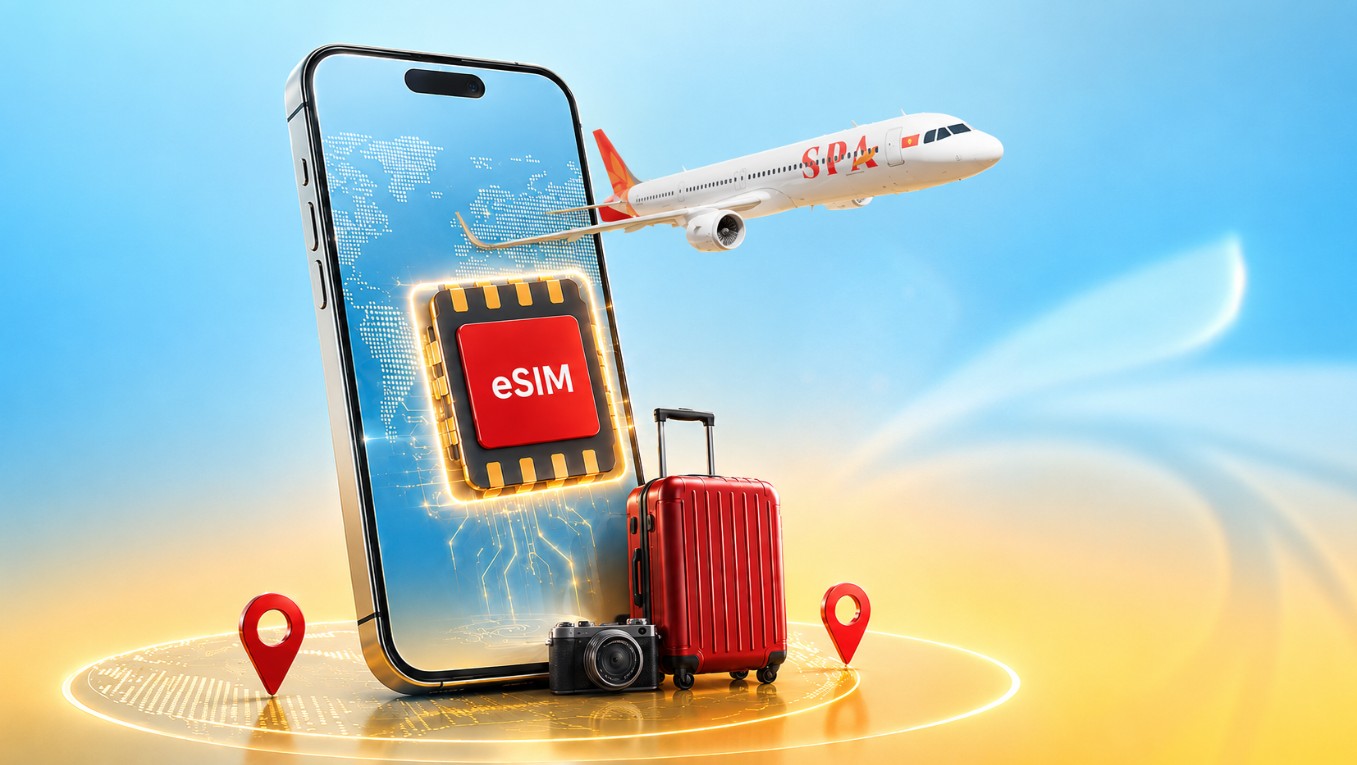
Stay connected as soon as you arrive in Vietnam with Sun PhuQuoc Airways Travel eSIM.
Choose now

Why choose Travel eSIM?

Get Connected as Soon as You Land

Get Connected as Soon as You Land

Receive 5GB of free high-speed data for the first 24 hours (applicable to international passengers entering Vietnam on Sun PhuQuoc Airways flights), making it easy to book a ride, use maps, contact family and friends, and access the Internet as soon as you arrive in Vietnam.

Quick Registration – Easy Installation

Quick Registration – Easy Installation

Complete your registration online, verify your information using your passport, and receive your eSIM QR code via email. Simply scan the QR code to install your eSIM before your trip – no physical SIM card required.

Top Up Your Data Anytime

Top Up Your Data Anytime

Once you have used up your data allowance, you can easily purchase additional data packages (Top-up). The additional data will automatically be added to your existing eSIM without requiring reinstallation.

Ways to Get Your Travel eSIM

You can register for or purchase a Travel eSIM through several convenient options before and during your journey.

Register via the Landing Page

Visit the Travel eSIM Landing Page to: connect.sunphuquocairways.com.

  • Receive a free eSIM (for eligible passengers);
  • Purchase Travel eSIM packages;
  • Purchase additional data packages (Top-up) during use.

For the free eSIM programme, simply enter your booking reference (PNR) or ticket number, full name, and email address, then follow the registration instructions.

Detail information

How to use

How to use

Just 4 Simple Steps

Step 1 – Choose an eSIM Package

Select the eSIM package that best suits your needs, including the free package for eligible passengers or Travel eSIM packages valid for 3 to 15 days.

Step 2 – Register and Receive Your eSIM

After completing payment (for paid packages) or successfully registering (for the free package), the system will provide a link to MobiFone’s registration portal.

Complete identity verification (eKYC) using your passport and a portrait photo as instructed. Once verification is successful, your eSIM QR code will appear on screen and will also be sent to your registered email address.

Step 3 – Install Your eSIM

Use your phone to scan the QR code and install the eSIM on your device.

We recommend completing the installation before departure so the service is ready to use as soon as you arrive in Vietnam. Please note that the eSIM will only become active after it is activated in Vietnam.

Step 4 – Activate and Connect

After landing in Vietnam, simply make a free call to 900 to activate your eSIM.

Once successfully activated, you can immediately access the Internet, look up information, stay connected, and enjoy your journey in Vietnam.


Frequently Asked Questions

Other support?

Customer Service Center

  • <strong>(84) 1900 1599<br />
</strong>
<div id="gtx-trans" style="position: absolute; left: 159px; top: 19px;">
<div class="gtx-trans-icon">&nbsp;</div>
</div>
    Call center(84) 1900 1599
     
  • <strong>19001599@sunphuquocairways.com</strong>
    Email:
    19001599@sunphuquocairways.com
  • <p><strong>24/7</strong></p>
    Working Time:

    24/7

  • <strong>No. 69B Thuy Khue, Tay Ho Ward, Hanoi City</strong><br />
    Headquarter:
    No. 69B Thuy Khue, Tay Ho Ward, Hanoi City
Contact Us

Contact Us

Do not hesitate to contact us if you have any questions that need to be resolved.

Contact now

Refer to the FAQ section to quickly find answers to problems.

Read FAQ

Was this information helpful to you?

Help us serve you better.